CS2 Cache CT rotation guide for Premier Season 5
Use this CS2 Cache CT rotation guide to assign anchors, protect middle, rotate through connector and retake without abandoning both bombsites. Analysis.

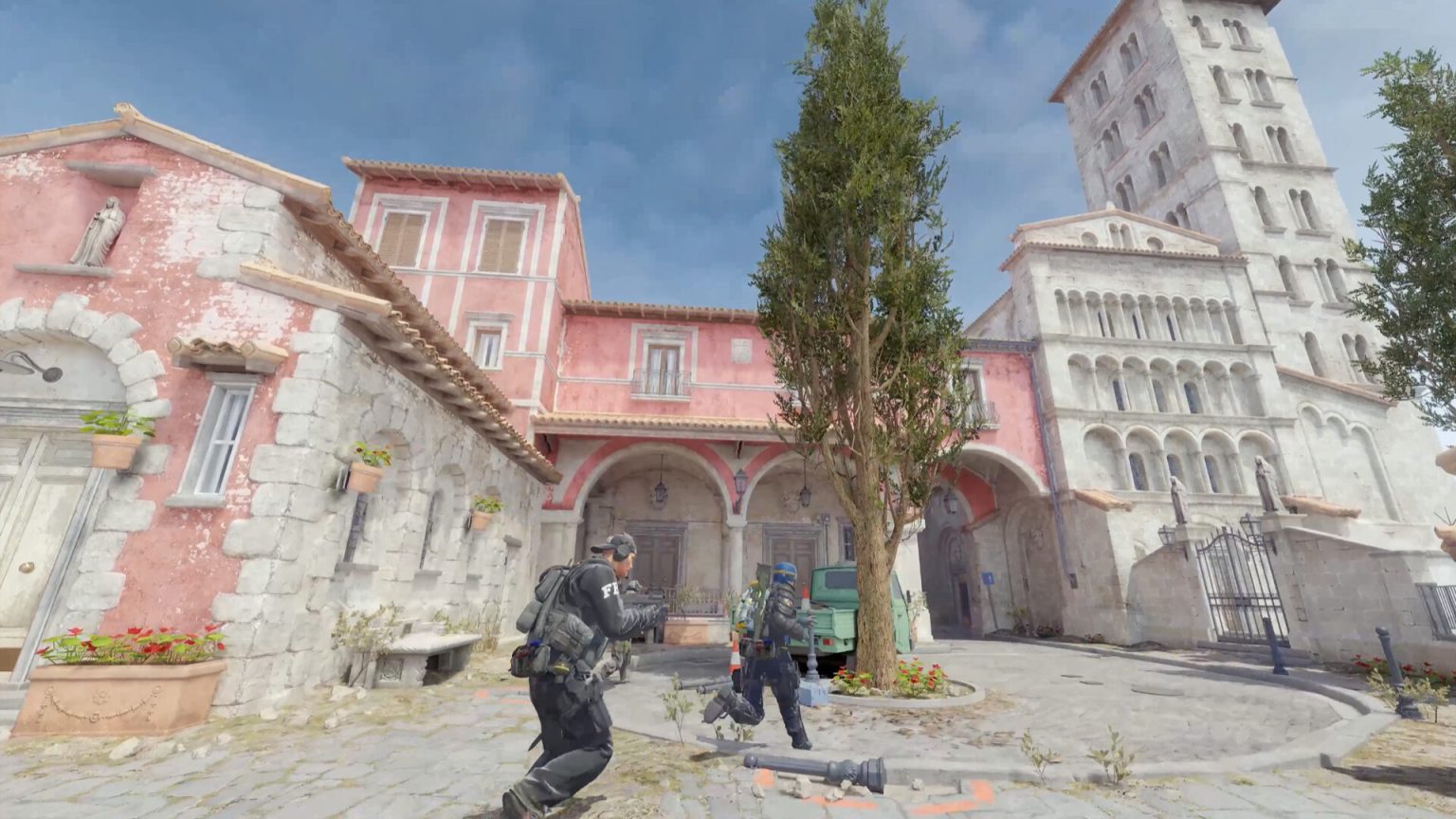
This CS2 Cache CT rotation guide gives a five-player team a repeatable way to move between A, middle and B without turning the first sound cue into a full-site gamble. It is updated for Premier Season 5 and the July 2026 live build, after Cache replaced Overpass in Active Duty.
Cache is a community-designed map and details can change with Workshop revisions. Confirm every grenade and boost on the current live version before using it in a match.
Step 1: start with a 2-1-2 responsibility map
Assign two players to A, one to middle and two to B. The labels describe starting responsibility, not where everyone must stand. One A player can contest A main while the second protects highway or supports middle. At B, one player anchors the site and the other can pressure B halls or support vent.
The middle player owns the first reliable call on boost, garage pressure and connector danger. Give every position a primary caller and a fallback route. “A player” is too vague if both defenders assume the other is watching highway.
Step 2: define evidence for the first rotation
Do not rotate two players because one grenade lands. Use a simple evidence ladder: one utility cue means attention; multiple players seen means support; bomb confirmed means commitment. The off-site anchor should remain until the team has enough information to justify leaving the opposite plant zone.
Call what was observed, where and when: “two A main, smoke just used” is actionable. “They are A” hides uncertainty. Our clear comms guide provides the same fact-first format.
Step 3: protect middle before using highway
Highway is a fast A rotation only when middle is controlled or accounted for. If Terrorists own middle, a rotating defender can be exposed from multiple angles before reaching the site. The mid player must say whether connector, vent and highway are usable.
When mid control is lost, choose a safer route or prepare a paired clear. Speed is not valuable if the first rotator donates a rifle and removes the retake utility.
Step 4: preserve one B delay tool
The B anchor should keep at least one smoke, incendiary or flash for the moment the execute becomes real. Early utility can collect information, but empty hands make a late anchor dependent on aim alone.
If the support player leaves B, state the anchor’s remaining resources. The team can then decide whether the middle player shades toward vent or whether the A side holds its positions.
Step 5: rotate the closest useful kit
The nearest player is not always the best first rotator. Send the defender whose utility solves the next problem: a smoke for the plant lane, a kit for a late retake or a flash for a teammate already fighting.
Call the package while moving: “rotating highway with smoke and kit.” That lets the site player delay for support instead of taking an isolated duel.
Step 6: stop the rotation when information changes
Cache rewards fast fakes through middle. If the bomb disappears or the original attackers disengage, pause at a useful junction instead of completing a blind rotation. A defender in connector or vent can preserve options for both sites.
Use a three-second reset: count alive players, locate the bomb if known, list open routes and assign the next contact. The method matches our CS2 mid-round reset.
Step 7: enter a retake in two waves
Wait for at least two routes when the bombsite is lost. The first wave clears close positions with a flash or molotov; the second trades and reaches the bomb. Do not spend every grenade before teammates are close enough to use the space.
On A, coordinate highway with truck or main-side pressure. On B, pair heaven or vent access with a ground route. Exact paths depend on current control, but the principle is stable: one angle moves defenders, the other punishes the turn.
Step 8: review rotations with timestamps
After the match, record the first cue, first rotation, bomb confirmation and site contact. Ask whether the decision was correct with the information available—not whether the round happened to be won.
Valve’s official update feed is the source for live changes. Pair this guide with our utility handoff protocol so every rotating grenade has an owner.
Step 9: build a low-buy rotation rule
When rifles and full utility are unavailable, do not imitate the standard setup with weaker tools. Stack positions where short-range weapons and crossfires can trade, then identify which site is intentionally lighter.
The first contact should communicate whether the stack stays or rotates. A low-buy round wins through concentrated risk, not five isolated attempts to preserve normal coverage.
Run the low-buy rule twice in practice with no strategic pause. The goal is for every player to know which risk is intentional, which rifle should be recovered and when the stack dissolves. Record whether the first duel could be traded; if not, change spacing before adding more utility.
Practice note: Run the CS2 Cache CT rotation guide checklist in a custom lobby or low-stakes match before using it in competition. Record one decision that worked and one that arrived late. Update only the relevant step after a patch instead of discarding the complete process.
Editorial note
Facts and mechanics were checked against the linked primary sources before publication.
This article was reviewed on August 6, 2026.

Related stories
Path of Exile 2 Sorceress leveling guide for 0.5.4e
Path of Exile 2 Sorceress leveling is smoother when the character solves one damage loop before collecting every elemental skill. Patch 0.5.4e is the referenc.
Minecraft mace combat guide for Java 1.21.9
Minecraft mace combat turns vertical movement into damage. Java Edition 1.21.9 is the reference version. A smash attack requires striking while falling far.
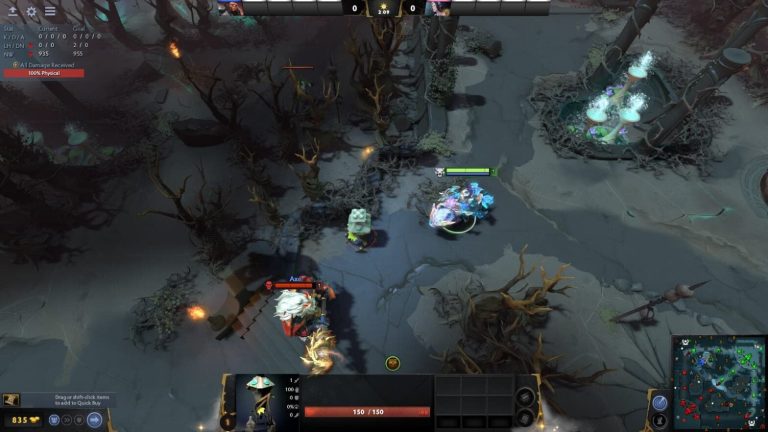
Dota 2 Watcher control guide for patch 7.41e
Dota 2 Watcher control is useful when it protects the next movement, not when a support activates every structure on cooldown. Patch 7.41e is the reference.
Community channel
Join the discussion
Start a thoughtful, specific conversation about this story.
Verified readers only
Continue with Google to comment.
Your Google account creates a reader-only Kaizensclan profile. Your first comment is reviewed before publication.